Photo: Google Gemini · AI-generated
The Challenge
A medical device manufacturer in Germany — ISO 13485 certified — needed a labelling system that could produce regulatory-compliant labels reliably, repeatedly, and without manual formatting errors. The company manufactures products that require UDI-compliant CE labels with lot numbers, warehouse storage bin labels, and individual item labels — each with different content, layout, and regulatory requirements.
The existing process involved manual label creation with inconsistent formatting. In an ISO 13485 environment, a labelling error is not a cosmetic issue — it is a non-conformance that can trigger corrective action, delay shipments, or create regulatory exposure. The company needed a system that would enforce correctness by design, support multiple languages for international distribution, and integrate directly with Brother label printers already deployed on the production floor.
The data source for product and lot information was Excel — practical for a company of this size and already embedded in daily workflows. The system had to work with that reality, not demand a different one.
What We Built
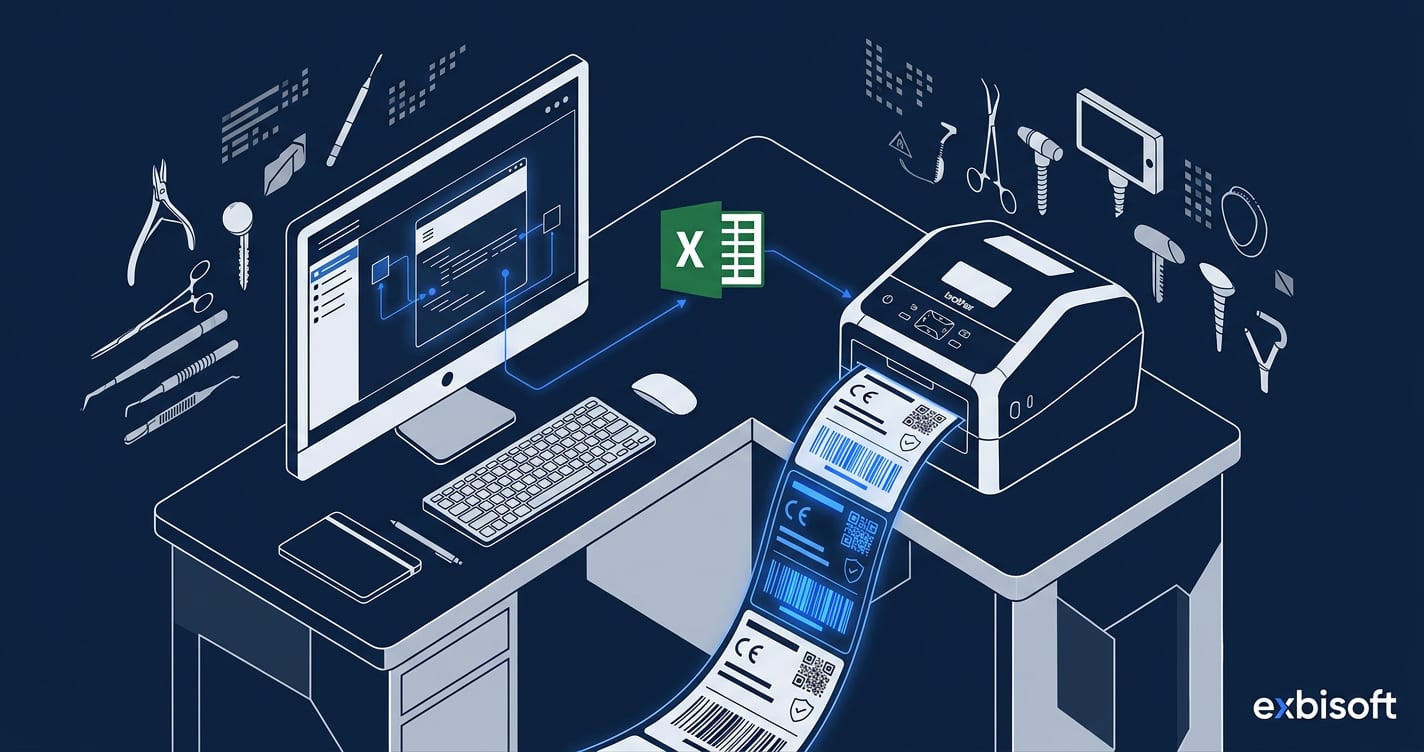
MedLabel — a multi-user Windows desktop application built on .NET WinForms that generates compliant labels from structured Excel data sources and prints them directly to Brother label printers.
The application supports three label categories:
- UDI-compliant CE labels — generated per lot number, carrying the required UDI identifiers, CE marking, lot/batch references, and regulatory information mandated by EU MDR. The system enforces the correct data fields for each label type, preventing omissions that would render a label non-compliant.
- Warehouse storage bin labels — identifying storage locations within the warehouse, printed in a format consistent with the company’s inventory management workflow.
- Individual item labels — applied to specific products or packaging units, with content derived from the product master data in the Excel source.
All label types support multilingual output, enabling the same product to be labelled for different markets without maintaining separate templates per language. Language selection is driven by the destination market, not by manual template switching.
The application integrates directly with Brother label printers via the Brother printing SDK, handling printer discovery, format negotiation, and print-queue management. Operators select a label type, confirm the data, and print — no intermediate export steps or manual formatting.
Product and lot data is maintained in Excel workbooks that serve as the structured data source. A SharePoint-to-local-server replication module keeps the working data synchronised: master data is maintained in SharePoint for accessibility and version control, then replicated to the local server so the desktop application operates with low-latency, always-available data — even if the network connection to SharePoint is interrupted.
In development or planning:
- Sage 100 ERP integration — stock levels, lot data, and product master information will be sourced directly from Sage 100, replacing the Excel-based workflow for companies that have outgrown spreadsheet-driven data management. This will provide real-time stock and lot visibility within the labelling application and eliminate the manual synchronisation step between ERP and label data.
What It Delivers
- UDI-compliant CE labels generated from structured data — regulatory fields enforced by the application, not left to operator judgement
- Three label categories (UDI/CE, warehouse bin, individual item) from a single application, each with its own layout and data requirements
- Multilingual label output for international distribution — language driven by market, not by manual template selection
- Direct Brother label printer integration — select, confirm, print, with no intermediate file exports
- Multi-user access for production floor and warehouse staff operating concurrently
- SharePoint-to-local replication ensuring data availability even during network interruptions
- Built for an ISO 13485 environment: consistent, repeatable, auditable label production that supports the quality management system rather than working around it
Facing a similar challenge?
The problems above are specific — but the patterns are common. We would be glad to talk through your situation.