Photo: Google Gemini · AI-generated
The word “portal” sounds like a website with a login. The portals companies actually need are something else. They are the system a hundred vendors or subcontractors run their work through.
That difference decides how you should buy one. Here is what the word hides, using two portals we run.
Two things share one name
Twenty years ago a portal was a page with a login and some documents behind it. Many buying processes are still built for that: a web agency, a design phase first, a quote by number of pages.
What companies mean today is a business application that happens to be reached through a browser. It has roles. It has workflow. It holds the state of an order or a task and moves it forward. It writes into the systems of record behind it, and it keeps a record of who did what. The browser is the front door, not the building.
A purchasing portal is an ERP extension
A machinery manufacturer in Germany ran a vendor network across several countries by email, spreadsheets and manual entries into Sage 100. Nobody in the sourcing team had one view of open orders, shipment status or delivery dates. Chasing updates was a full-time job.
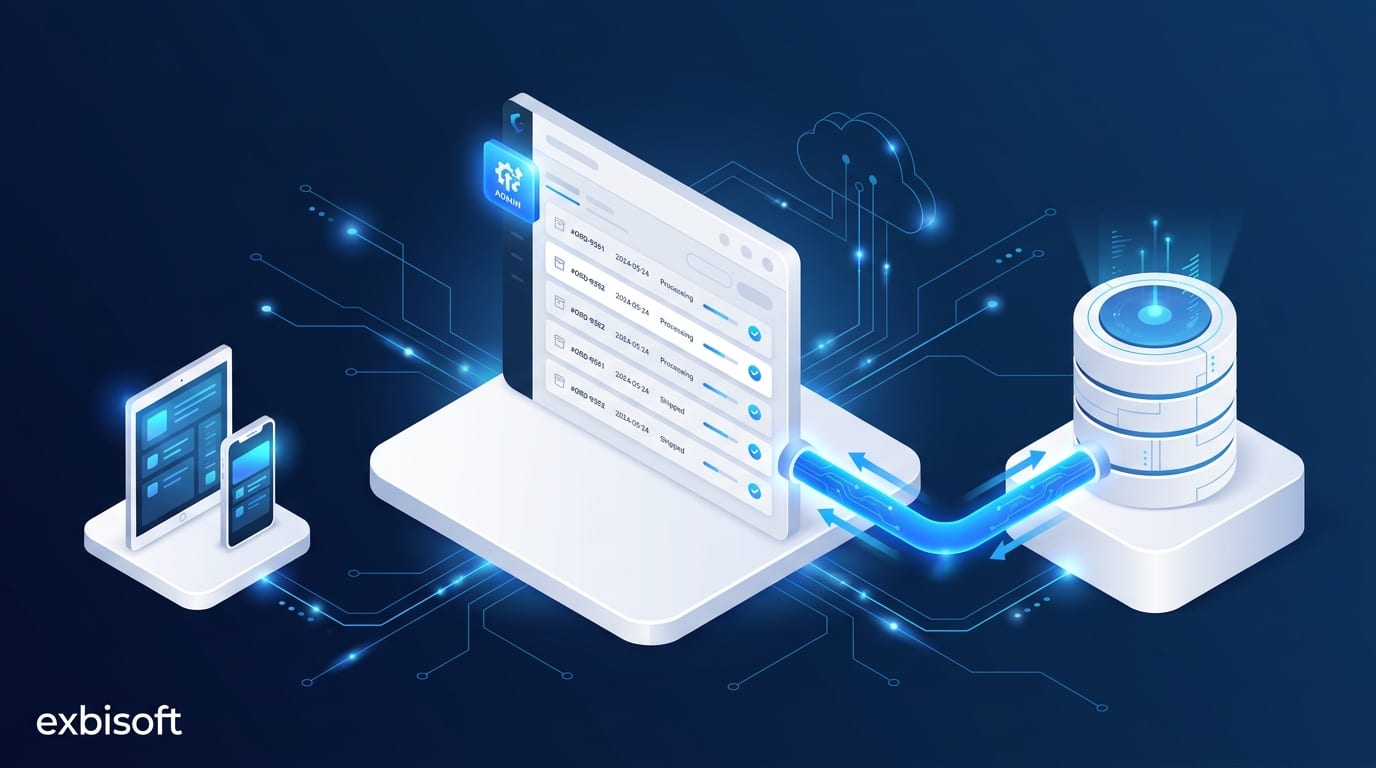
The purchasing portal we built is an add-on to that ERP. Vendors log in, receive orders, confirm them, update shipment details and log deliveries. The sourcing team sees every open order live. Order and delivery data flow back into Sage 100, so finance and inventory stay aligned without anyone retyping. Every order, change and confirmation is in an audit trail that finance and compliance can read.
What that took was not page design. It took a data model that matches the ERP, permissions that follow the vendor company rather than the individual user, a lifecycle for every order, and a write-back path that cannot silently drop a record. It runs on the company’s own infrastructure and ships through a development, QA, test and live pipeline like any other application.
A subcontractor portal is an operations system
A construction company with up to 500 employees coordinates its subcontractors through a portal with a web application for project managers and native apps for the field. Tasks are assigned, acknowledged and updated. Drawings and documents are shared. A knowledge base sits inside the workflow, so the information is there at the point of need.
On a building site, connectivity cannot be assumed. So the apps work fully offline and sync when a connection returns. The system runs on a private German cloud, releases go through separate development, QA, test and live environments, and the field builds are distributed to devices in parallel per project site.
The part you would call a website is about a third of that system.
Four things that make a portal a portal
Roles belong to companies, not to pages. A vendor’s users belong to that vendor and see that vendor’s orders. Permissions follow the company and the record.
State matters more than content. An order or a task has a lifecycle. Every screen is a view of where something stands. The text on the page is the least durable part of the system.
Write-back is the point. A portal is not a copy of the ERP. It is a door into it. A change made in the portal has to land in the system of record without re-entry, and it has to be traceable when it does not.
The audit trail is a requirement, not a feature. Someone in finance or compliance will ask who confirmed what and when. The answer has to exist before they ask.
How to buy one
Brief it as an application. Say which systems of record it reads and writes. Say who the external users are, by company. Say which lifecycle it manages, what has to work offline, and where it must be hosted. Then ask a provider to show you a portal that writes back into an ERP, and how it is deployed, rather than a design portfolio.
We build web applications of this kind as custom software, by the same team that builds the backend and the pipeline. If you have a vendor, customer or partner process running on email today, talk to us about what a portal for it would actually contain.