Photo: Google Gemini · AI-generated
The Challenge
Field engineers at a water processing and cleaning equipment company create water quality reports in Excel — on-site, during or after inspections. Those reports needed to reach the company CRM, but the path between a completed spreadsheet on a laptop and a properly filed record in the CRM was entirely manual. Reports were emailed, copied, or uploaded by hand. Some arrived late. Some arrived incomplete. Some did not arrive at all until someone asked.
The company needed the sync to happen from the point of report creation — triggered directly from Excel — without requiring field staff to log into the CRM, navigate to the right record, and upload files manually. And when the sync failed — because field connectivity is unreliable — the failure had to be visible and recoverable, not silent.
What We Built
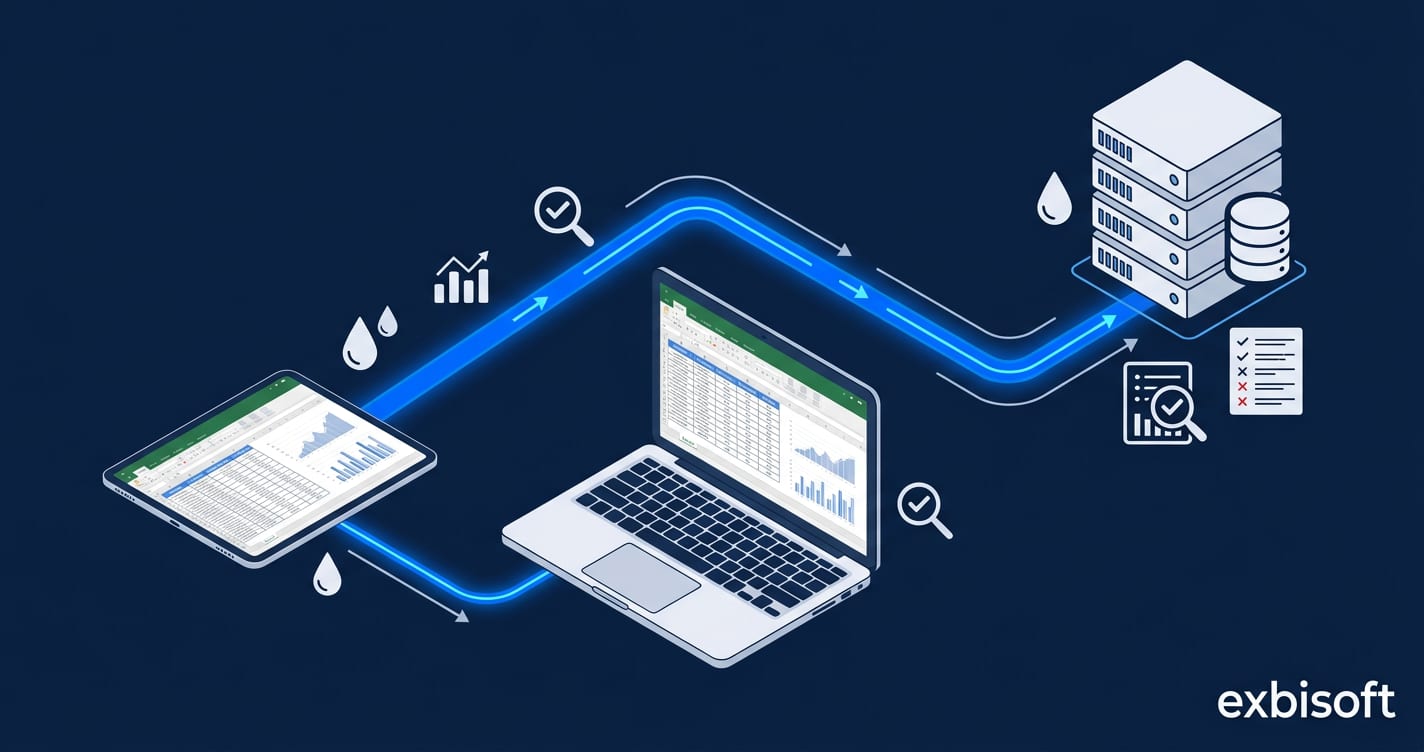
ReportSync — a two-part system consisting of an Excel add-in and a native iPad application, connected to the company CRM through a secure tunnel.
The Excel extension adds a sync action directly into the report creation workflow. When a field engineer completes a water quality report, they trigger the upload from within Excel. The report data is transmitted over a secure tunnel to the company CRM, where it is filed against the correct customer and inspection record. No browser, no CRM login, no manual file handling.
Every sync operation — successful or failed — is logged. The logs capture what was sent, when, to which CRM record, and whether the operation completed. This is not just a technical convenience — in an industry where water quality documentation has regulatory and contractual weight, knowing that a report reached the system of record is a requirement.
When uploads fail — due to connectivity issues, tunnel interruptions, or CRM availability — the failures are surfaced in a dedicated native iPad app built in Swift. Field staff or office administrators can review failed uploads, inspect the error, and re-trigger the sync with a single action. No report is lost because a connection dropped at the wrong moment.
What It Delivers
- One-action sync from Excel to CRM — field engineers upload reports without leaving the spreadsheet
- Secure tunnel ensures data in transit is protected, meeting the confidentiality requirements of client inspection data
- Complete sync log with timestamps, target records, and outcomes — auditable proof that reports reached the CRM
- Failed upload recovery via a dedicated iPad app — failures are visible, inspectable, and retriable
- Zero manual CRM data entry for report filing — eliminating the delay and error rate of hand-carried spreadsheets
- Built for field conditions: unreliable connectivity handled as a normal operating scenario, not an edge case
Facing a similar challenge?
The problems above are specific — but the patterns are common. We would be glad to talk through your situation.