Subcontractor Portal
A construction company with up to 500 employees in Germany was managing a web of subcontractors, documentation obligations, and real-time coordination demands that no standard project management…
View Case Study →End-of-life platforms, ageing frameworks, hardware that is no longer sold
They need to be understood first. We assess what is worth keeping, what needs rebuilding and what can be retired, then migrate in stages that keep the business running throughout. Windows CE handhelds to Android, Windows tablets to iPad, Xamarin to MAUI, .NET Framework to .NET, desktop to web: the workflows your people depend on stay, the platform underneath them changes.
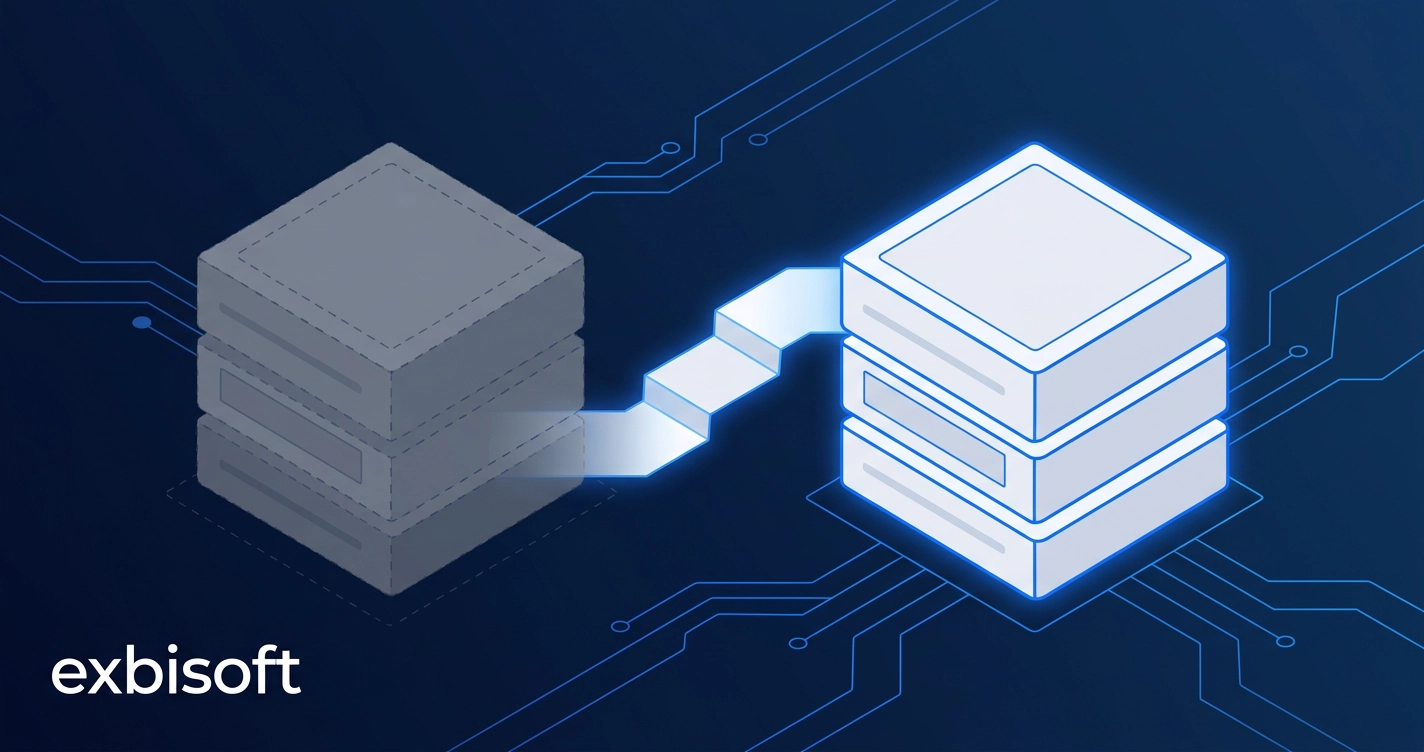
A full rewrite sounds decisive. In practice it usually means months of parallel cost, a frozen feature set while the old system still needs changes, and a single cutover date that puts the whole operation at risk to fix a platform problem. Meanwhile the trigger is rarely negotiable: the hardware is end of life, the operating system is out of support, the framework has stopped receiving security updates, the last person who understood the code is retiring.
The alternative is not to do nothing. It is to separate what the application does, which is usually right and hard-won, from what it runs on, which is what has aged, and to move the second without breaking the first.
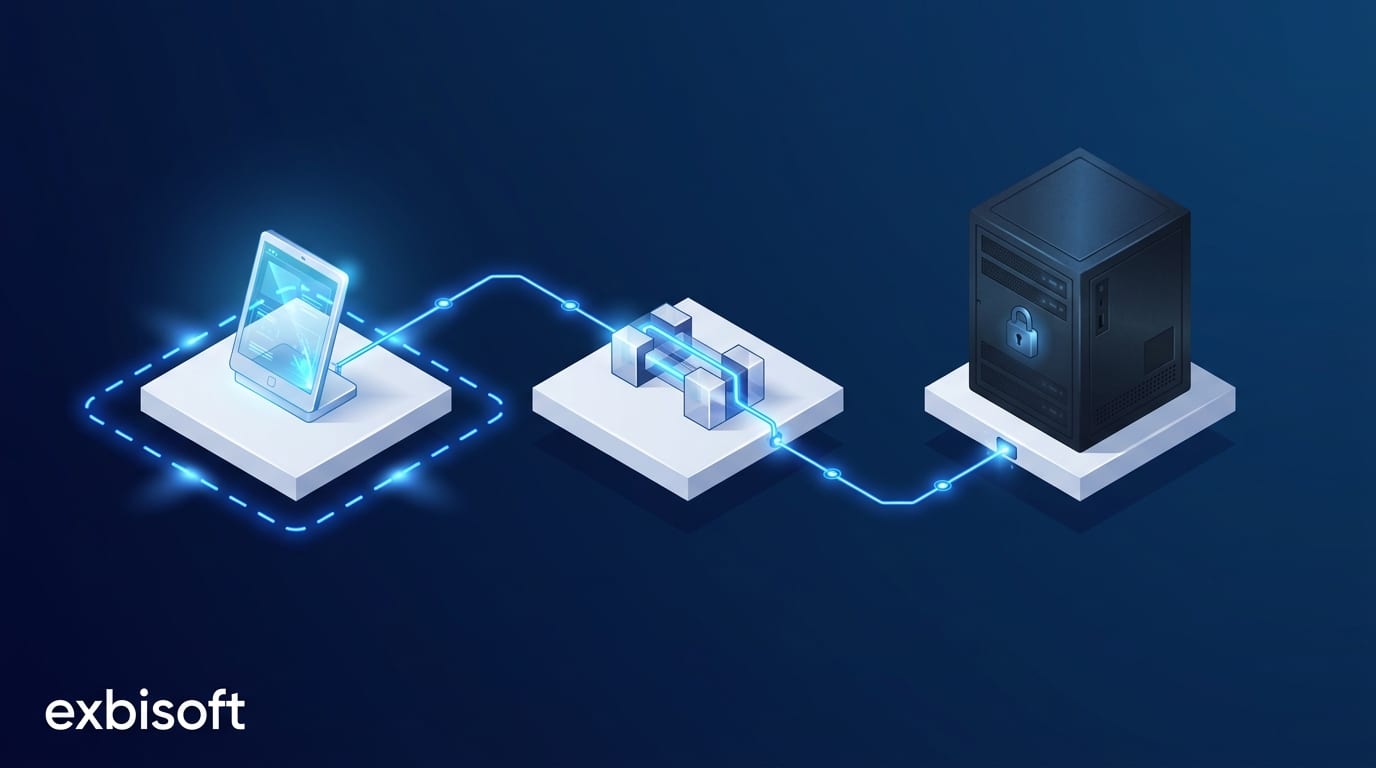
A technical assessment first, then a staged plan. Most modernisations keep the data model and the integration surface, and replace the platform, the UI and the delivery path.
We assess what is actually worth keeping before recommending a rebuild. Not every legacy system needs to be thrown away, and the parts that encode twenty years of business rules are usually the parts worth the most.
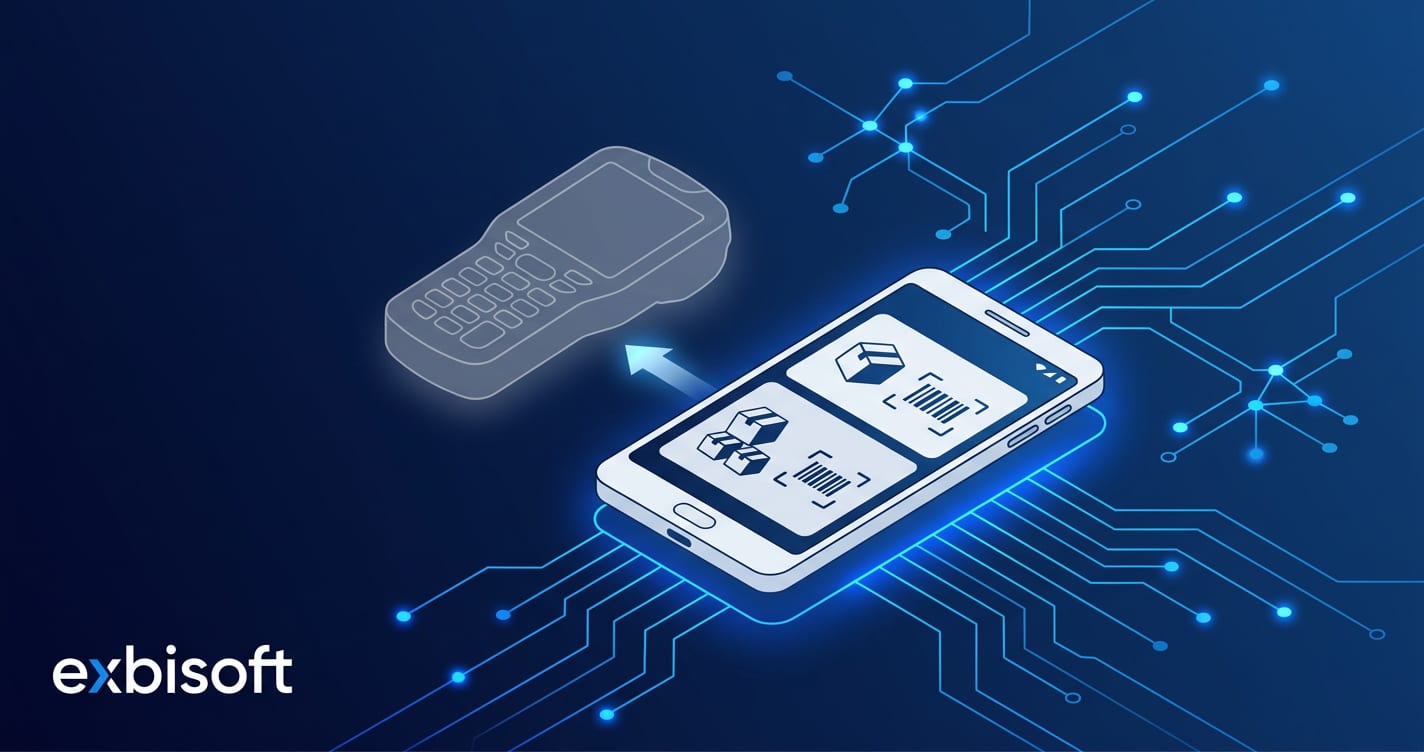
A software vendor's warehouse and production app had to leave Windows CE. We rebuilt it as a native Android app on the same Sage 100 data layer, so its customers kept every workflow for inventory, receiving, dispatch and production through the hardware change, and the vendor kept shipping it under its own brand.
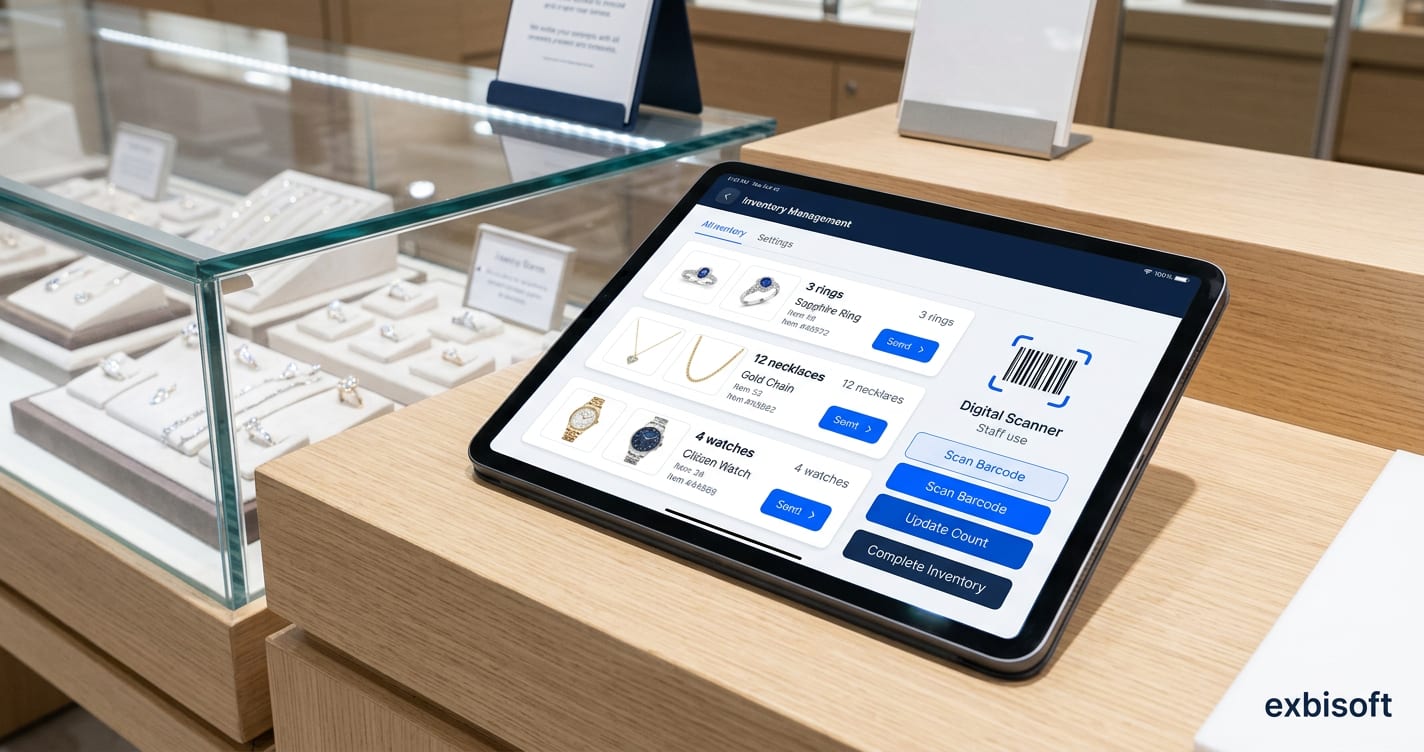
A jewellery manufacturer ran more than 500 in-store kiosks across Europe on ageing Windows tablets. We rebuilt the application as a native Swift iPad app that connects to their existing SAP middleware, coordinated with the middleware vendor and the client's SAP team, without touching the backend.
Modernisation happens in stages that keep your business running, not a frozen six-month rewrite with a single cutover date. A construction company's subcontractor portal moved its native apps from Xamarin to MAUI while the portal stayed in daily use on site.
Windows CE to Android, Windows tablets to iPad, Xamarin to MAUI, .NET Framework to .NET. We have executed each of these before, and we know where each one hides its surprises.
Tell us what it runs on, what it talks to and what is forcing the change. We will tell you honestly what is worth keeping, what has to go, and how to move it without stopping the business.
Start a conversation