Photo: Google Gemini · AI-generated
New to this topic? Start here
Terms used in this piece
- Kiosk
- A device in a public place, such as a shop, that runs one app for customers or staff and nothing else.
- Middleware
- Software that sits between two systems and moves data between them, here between the store devices and SAP.
- SAP
- A widely used business system (ERP) that holds data such as products, prices and stock.
- Supervised device / App Lock
- An iPad managed by the company through a device management service, which can lock it to a single app.
- Rollout
- Bringing a new version to every location, in stages or all at once.
Read first
- App Lock payload settings for Apple devices ↗Apple's documentation for locking a managed iPad to one app, which is how most kiosk iPads are run.
A kiosk app is easy to underestimate. It is one screen in a shop, usually doing one job: showing products, checking stock, taking an order. Replacing it sounds like a small mobile project. Then you count the shops.
Why the tablets go first
Kiosk tablets age faster than the software on them. They run all day, they get knocked, and the model you bought five years ago is no longer sold. If yours run Windows 10, there is a second clock: Windows 10 reached end of support in October 2025. The devices still work, but they no longer get security updates, and a device in a public space is exactly where you want them.
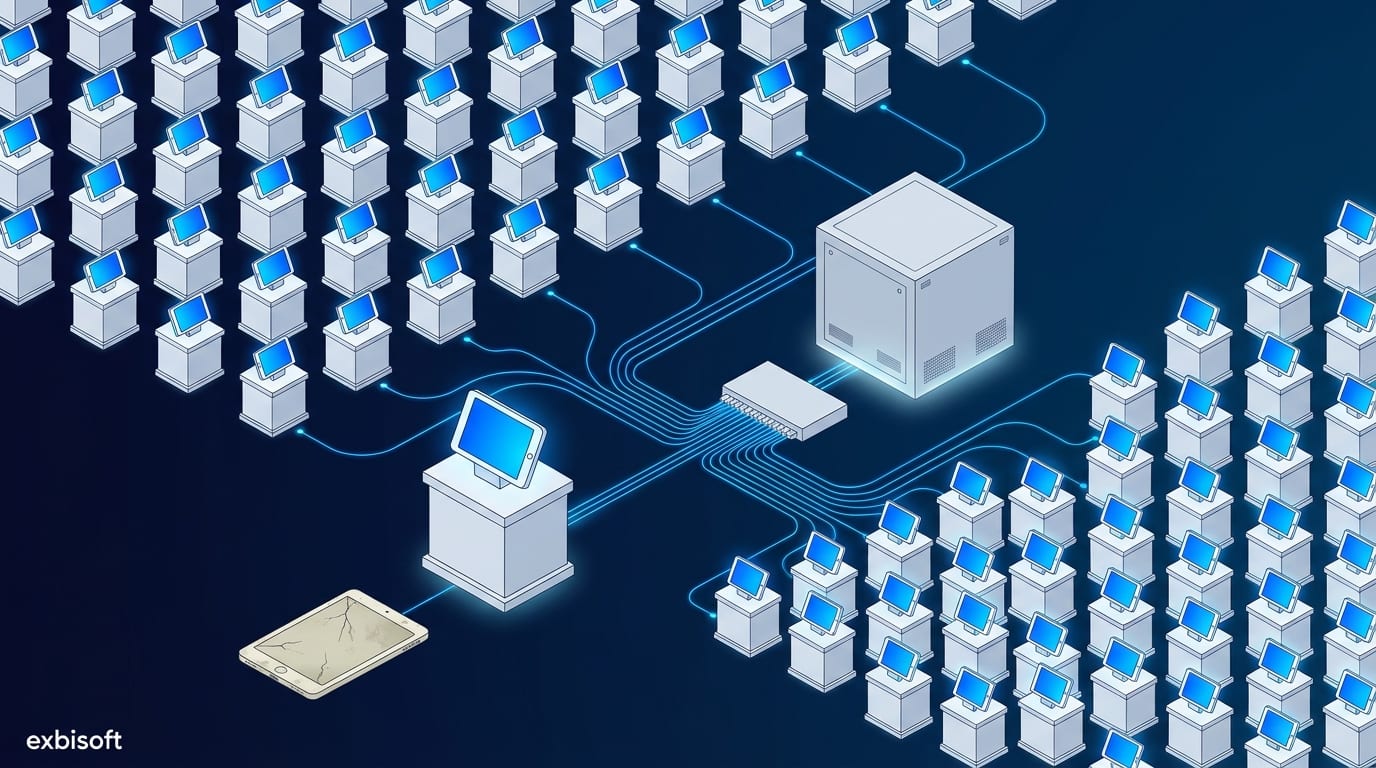
A jewellery manufacturer in Hessen with more than 1,000 employees had this problem at scale: over 500 kiosk touchpoints in its stores across Europe, on ageing Windows tablets. The hardware was at end of life, and the experience had fallen behind what customers expected in a premium store. The decision was a native iPad app.
The app was not the hard part
We built the new app natively in Swift for iPad. That part was ordinary work. What made the project a modernisation, and not just a new app, was everything around it.
Three parties had to agree. The product and stock data came from SAP, run by the manufacturer’s own SAP team. Between SAP and the stores sat a middleware from another vendor, which handled the data sync. And then us. Three teams, three priorities, one interface.
The backend was not ours to change. The cheapest way to break a project like this is to “just add a field” to SAP. We built the app against the middleware the stores already used, as it was, so the SAP environment and the middleware needed no changes. It also meant old and new kiosks could share the same backend while the stores changed over.
We agreed the interface directly with the middleware vendor. We went through the data the app reads and writes with them, and documented it. Most of the problems in multi-party projects are two teams with different assumptions about the same field. Writing it down early is boring and saves weeks.
500 stores means one result 500 times
A kiosk rollout is not one installation. It is the same installation in hundreds of places, in different countries, set up by people who are not developers. A few things follow from that:
- The app has to start in a known state every time, with no setup steps in the store.
- Devices are managed centrally. On iPad that usually means supervised devices with App Lock, so each one runs only the kiosk app and updates arrive without anyone touching it.
- Adding a store should be configuration, not development. We designed for that, so new locations come on without significant development work.
The result: more than 500 iPad kiosks across Europe with one consistent experience, and no disruption to SAP or the middleware.
If your kiosks are next
Start with the questions that are not about the app: who owns the data, who owns the middleware, what each party is allowed to change, and how a new device gets into a store. If you can answer those, the app is the easy part. If you cannot, our Modernisation Assessment is a fixed-price way to find out in four weeks. Or tell us how many devices you run, and on what.
Go further
- Software modernisation: how we approach itThe service page, with the fixed-price Modernisation Assessment as the first step.
- Case study: Mobile Kiosk AppThe project behind this article: 500+ kiosks across Europe, rebuilt as a native iPad app.
- One module, three teamsOur longer piece on working inside a project with several suppliers and a client team.
Sources
- Windows 10 support has ended on October 14, 2025, Microsoft Support
- App Lock payload settings for Apple devices, Apple Platform Deployment